What Does LL Fahrenheit Mean On A Baby Monitor? (Fixed!)
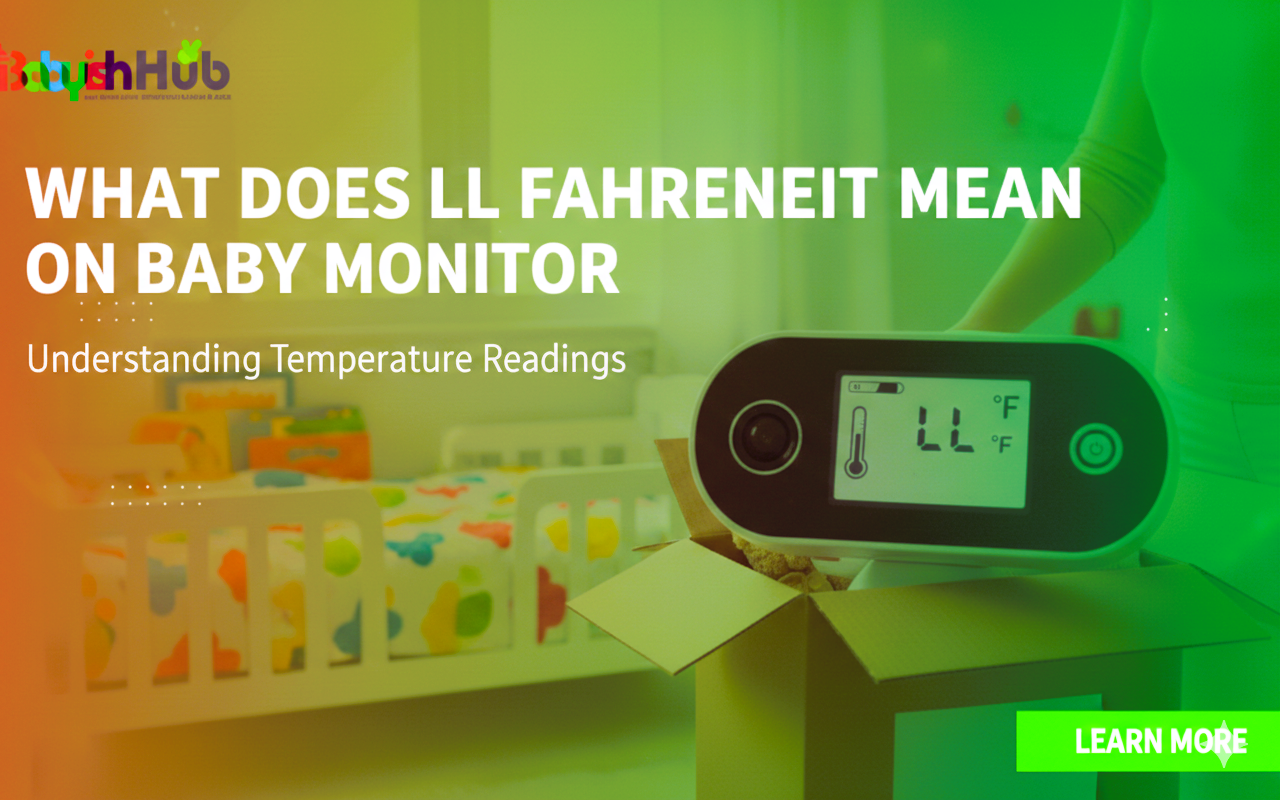
You finally closed your eyes after the third feeding of the night, only to be jolted awake by a faint beep-beep or a flashing red light on the nightstand. You squint at the monitor, expecting to see a rolling baby or a lost pacifier, but instead, you see two letters where the temperature should be: LL.
If your first instinct is a mini-panic… What does LL Fahrenheit mean on a baby monitor? Is the monitor broken? Is the room freezing? Is the Wi-Fi down again? Take a deep breath. I’ve been there, staring at a cryptic screen in the dark, convinced I’ve failed “Nursery Settings 101.”
The good news? Your monitor isn’t possessed, and you likely don’t have a hardware crisis. “LL” is almost always a simple temperature alert. Here is exactly what it means and how to handle it so you can both get back to sleep…
What Does “LL” Mean on A Baby Monitor?
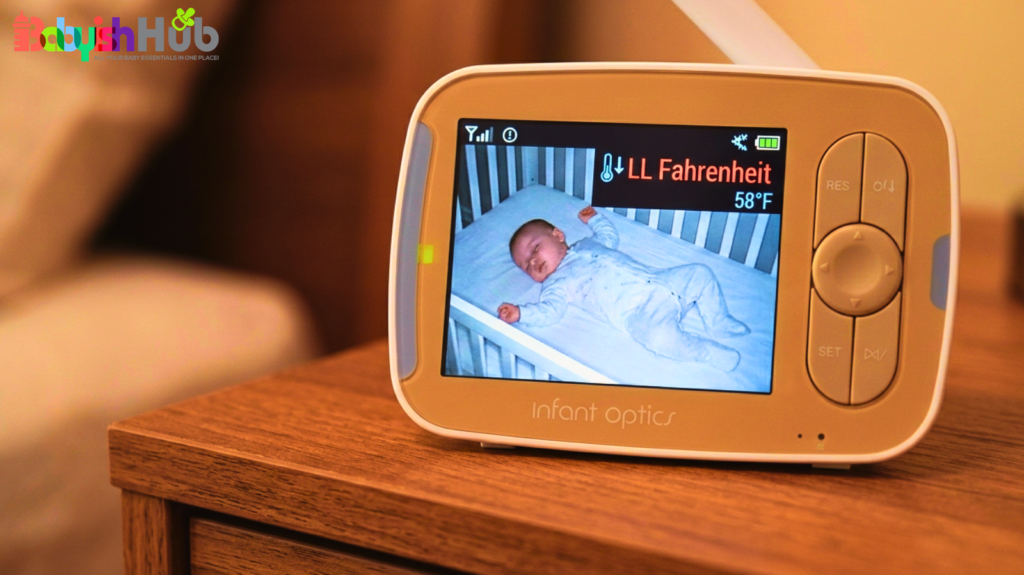
In the world of baby monitors (whether you’re using a Motorola, VTech, HelloBaby, or Infant Optics), “LL Fahrenheit” typically stands for Low Limit. It is a built-in notification telling you that the temperature in your baby’s room has dropped below the preset minimum threshold on your device.
Most monitors come out of the box programmed to alert you if the room dips below a certain point (usually somewhere around 64°F or 66°F). When the sensor detects a number lower than that, it stops displaying the numerical temperature and flashes “LL” to grab your attention.
Why Your Baby Monitor Shows “LL” in Fahrenheit
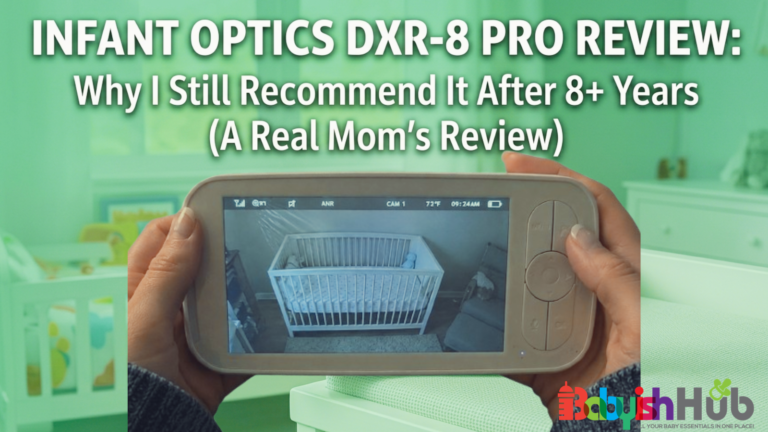
Most modern monitors like the Infant Optics DXR-8 Pro or Nanit smart baby monitor have a tiny thermal sensor (usually a little nub sticking out of the back or side of the camera unit). This sensor is constantly reading the ambient air.
Think of your monitor as a tiny, overprotective meteorologist. You (or the manufacturer) have set a “High” and “Low” safety zone. When the air hitting that sensor crosses the line into the “Low” zone, the monitor triggers the “LL” Fahrenheit alert. It’s essentially telling you this: “Hey, it’s officially ‘Low’ in here based on the rules you gave me!”
What Temperature Is Too Low for A Baby’s Room?
As parents, we are terrified of our babies being too cold, but the “just right” zone is cooler than most people think. The ideal nursery temperature is generally between 68°F and 72°F (20°C to 22°C).
Why the precision? Safe sleep means more than just blankets; it’s about core temperature. Babies can’t regulate their body heat as well as we adults can. While we worry about them being chilly, overheating is a higher risk factor for SIDS (Sudden Infant Death Syndrome).
However, a room that consistently stays below 64°F can make it hard for a baby to stay in a deep, restful sleep—and we all know that if the baby is awake and shivering, nobody is sleeping.
That said, here are signs that your baby’s room might be too cold:
- Your baby’s chest or back feels cool to the touch (don’t judge by cold hands or feet; that’s just poor circulation, which is normal for infants!).
- Your baby is fussing or waking up more frequently than usual.
How To Fix the “LL Fahrenheit” Alert on Your Baby Monitor
Having discussed your main question, “What does LL Fahrenheit mean on a baby monitor?”, you’re now probably asking yourself how you can fix this issue. The good news is that you don’t need a degree in engineering to clear this code. Follow these three steps to fix it:
1. Check the Actual Room Temperature
Before you rush to crank the heat for your baby’s room, I suggest that you first verify the temperature reading. It’s not uncommon to find parents asking, “Are baby monitor temperatures accurate?” My response is that most monitor sensors are “fine,” but they aren’t medical-grade.
You can read my full breakdown on how accurate is Nanit temperature to see why those numbers often vary from your thermostat.
Therefore, if you have a standalone nursery thermometer or even a digital thermostat in the hallway, I advise you to check it against the monitor. If the monitor says “LL” (under 66°F) but your thermostat says 70°F, the monitor might just be in a drafty spot.
2. Adjust the Layers (Safely!)
If you confirm that the room is chilly, probably your first instinct would be to reach for a loose blanket. But that’s a big no-no for babies under 12 months; it goes directly against the AAP safe sleep recommendations for babies. This is what I’d advise you to do instead:
- Add a layer: Use a long-sleeved onesie under their pajamas.
- The Sleep Sack: Swap a lightweight muslin sleep sack for a higher TOG (Thermal Overall Grade) rated sack—like a 1.0 or 2.5 TOG quilted version. That’s like a wearable duvet that they can’t kick off or pull over their face.
3. Change the Monitor’s Alert Settings
Sometimes, you don’t have to do anything! Yes, if your house is naturally 67°F and your baby is sleeping soundly in a cozy sleep sack, that “LL” alert on your baby monitor is just an annoyance. In this case, you can simply adjust your monitor settings as follows:
- Go into your monitor’s Menu > Temperature Settings.
- Adjust the Low Limit down to 60°F or 62°F. This stops the “LL” from triggering unless the temperature truly reaches a concerning level.
Could “LL” Mean Something Else?
In 95% of cases, “LL” on a baby monitor is a temperature alert. However, if your nursery feels like a sauna and the baby monitor still bothers you with the “LL Fahrenheit” alerts, you might be looking at one of the following:
- A Sensor Glitch: If the sensor wire is pinched or damaged, it might send a “null” signal.
- Firmware Hiccup: In this case, you can try the classic “mom reboot” where you unplug the camera and the parent unit, wait 30 seconds, and then plug them back in.
- Battery Issues: Yes, a dying battery on some older models can cause the screen to display erratic characters.
Is the Temperature Reading On Baby Monitors Accurate?
Let’s be honest: your baby monitor is not a precision scientific instrument. In most cases, the placement for baby cameras is on a shelf near a window or mounted high on a wall.
Since heat rises, a camera near the ceiling might read 74°F while your baby, three feet lower in the crib, is feeling 68°F. Conversely, if you mount your baby camera near a drafty window, it will scream “LL” even if the crib is perfectly warm.
Pro-Tip: Position your camera away from direct sunlight, air vents, and windows to get the most “honest” reading of the room’s air.
Should You Worry When You See “LL”?
NO. Unless you walk into the room and it feels like a walk-in freezer, “LL” is just a data point. It’s an invitation to check on your little one, feel their chest, and maybe swap their cotton pjs for fleece ones. It is not an emergency. Trust your gut over the gadget—if the baby is sleeping peacefully and feels warm to the touch, the “LL” is just a setting that needs tweaking.
How To Prevent Future “LL” Alerts
To prevent your baby monitor from bothering you with LL alerts every time usually comes down to keeping your nursery at a steady, comfortable temperature. And this is much easier than you think. Here’s how you can easily achieve it:
- Close the door: Sometimes just keeping the nursery door cracked instead of wide-open helps maintain a consistent temp.
- Adjust your temperature thresholds: Set your Low Limit a few degrees below your “usual” winter house temp.
- Check the vents: Make sure your AC/Heating vent isn’t blowing directly onto the camera sensor.
FAQs About Baby Monitor Temperature Alerts
Here are some quick answers to these frequently asked questions to help you better understand your monitor’s temperature alerts:
What does HH mean on a baby monitor?
Exactly the opposite! HH means “High Height” or “High Household” temp. It’s an alert that the room has exceeded your high-temperature threshold (usually 80°F+). This one is more important to watch, as overheating is a safety risk.
What does HH mean on an Infant Optics monitor?
HH on an Infant Optics monitor means High Heat. It’s an alert that the nursery temperature has exceeded the high-limit setting, usually 88°F orhigher. Check if the room is truly hot or if the camera is near a heat source like a lamp or sunny window. You can adjust this threshold in the temperature menu.
Are baby monitor thermometers accurate?
Most baby monitor thermometers provide a general estimate rather than medical-grade precision. They are typically accurate within 2°F to 4°F. Factors like proximity to a cold window, placement near a heating vent, or heat generated by the camera itself can cause readings to deviate significantly from the actual room temperature.
What does LL degrees mean on a baby monitor?
On most baby monitors, an LL reading in the temperature display indicates that the ambient room temperature has dropped below the device’s measurable range. This typically occurs when the sensor detects a climate colder than 0°C (32°F) or 1°C (34°F), depending on the specific model’s lower limit.
What does LL mean on a Motorola baby monitor?
For Motorola monitors, LL signifies a “Low Level” temperature alert. It means the nursery is too cold for the sensor to provide an accurate numerical reading. Ensure the room is adequately heated and verify that the temperature sensor probe on the back of the camera isn’t obstructed.
Why does my BabySense monitor say LL?
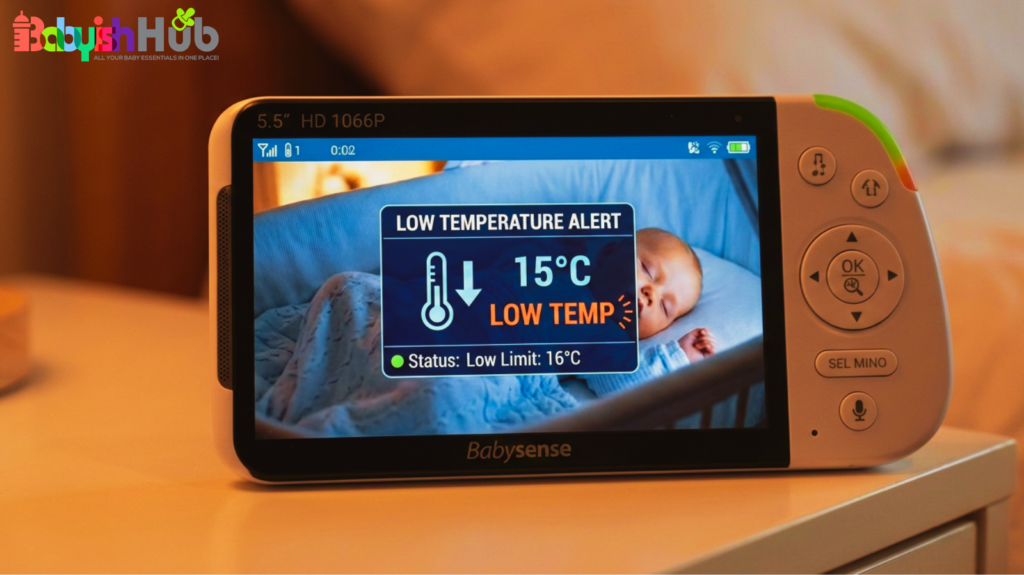
The LL code on your BabySense stands for “Lower Limit.” Your Babysense monitor displays this when the room temperature falls below 14°C (57°F). It acts as a safety warning to let you know the environment is too chilly for your baby, or that the sensor itself has malfunctioned.
How do I reset my Babysense LL error?
To reset the LL error on your Babysense baby monitor, move the camera to a warmer room. If the reading persists, perform a hard reset: power off both units, unplug them from the wall for 60 seconds, then restart. If the LL remains in a warm room, the sensor hardware is likely faulty.
My Final Take On “LL Fahrenheit” Alert On Baby Monitors
Hopefully, you now fully understand “what does LL Fahrenheit mean on a baby monitor.” Whenever you see this alert, you don’t need to panic. Just understand that it’s your monitoring device doing its job of looking out for your little one. Whenever it shows up, check the nursery, adjust the thermostat or add a sleep sack, and then tweak those alert settings so you can get some rest.