Do Baby Monitors Record? Everything You Need To Know
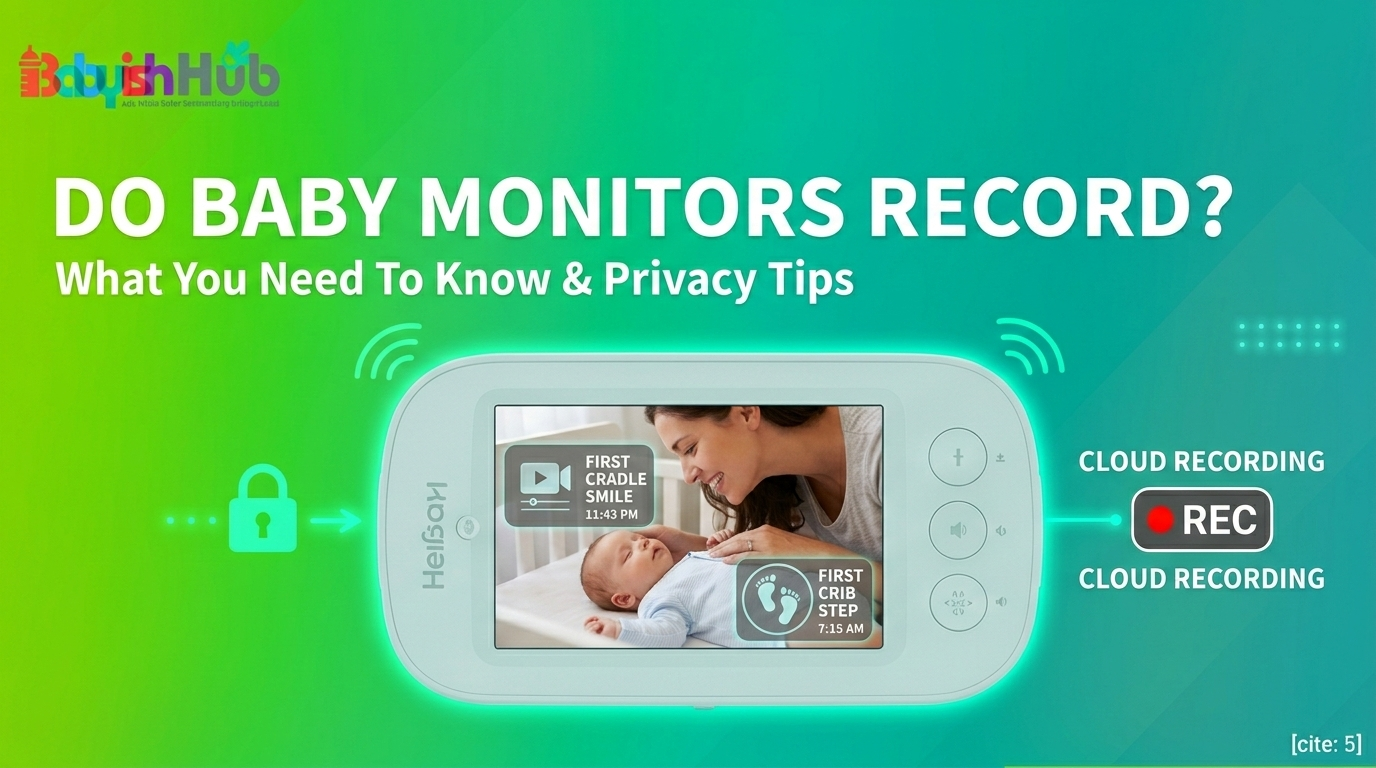
First-time parents often ask a simple but important question: Do baby monitors record automatically? With so many models on the market, it is easy to assume they all store video and audio. In reality, that is not always the case.
This guide explains which types of monitors include recording, how cloud or local storage works, and whether you need that feature. This guide will help you clearly understand your main question: “Can baby monitors record?” and which option fits your family’s needs.
Do All Baby Monitors Record?
Most baby monitors do not automatically record or store footage. Whether a baby monitor can record depends entirely on the model, the connection type, and the settings you choose. The “classic” monitors (that is, the ones with a dedicated handheld screen that don’t connect to your phone) usually operate on a closed-circuit system. They transmit a live feed from the camera to your hand, and once that moment passes, the data is gone forever. It’s like a live TV broadcast with no DVR.
Which Baby Monitors Have Recording Features?
Generally, you’ll find recording capabilities in these two specific categories of baby monitors:
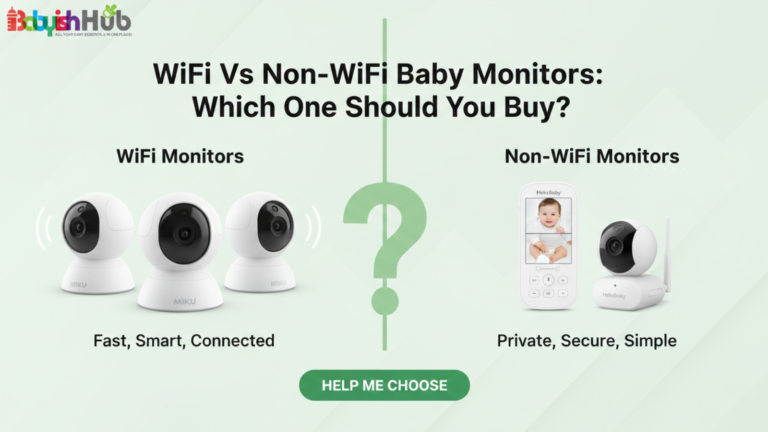
- WiFi Baby Monitors (Smart Monitors): These are the ones that connect to an app on your smartphone (think of brands like Nanit, Owlet, or Miku). Because they are connected to the internet, they can “push” video data to a server to be saved for later.
- Local Storage Monitors: Some non-WiFi monitors have a slot for an SD card, which allows you to record locally without the footage ever touching the internet.
Continuous vs. Event-Based Recording
It’s also helpful to know how baby monitors record… Most modern “smart” monitors don’t record 24/7 (that would definitely eat up a massive amount of data).
Instead, they use Event-Based Recording, which triggers a 30-second clip only when the camera detects motion or a cry, sound, or motion. This feature allows for easier review of specific moments of your baby, e.g., when they wake up.
How Recording Actually Works (The Simple Version)

Technology can feel clinical, but in the nursery, it’s pretty practical. Here is how that footage gets handled:
Live Streaming vs. Recording
Just because you can see your baby on your phone from the grocery store doesn’t mean it’s being recorded. Live streaming is a real-time “pass-through.” Recording is the act of saving that stream to a hard drive or “the cloud” so you can watch it at 10:00 PM when you’re missing them (we’ve all been there).
Manual Recording
Many apps have a little “camera” or “record” icon. If your baby is doing something adorable (like finally finding their thumb or having a focused “conversation” with a stuffed elephant), you can hit that button to save the clip directly to your phone’s photo gallery.
Cloud Storage vs. Local Storage for Recorded Footage
A recording baby monitor can either save your footage in the cloud (this is the case for WiFi monitors) or in local storage, as explained below:
- The Cloud: The video is encrypted and sent to the manufacturer’s secure servers. You can access it from anywhere.
- Local Storage: The video stays on a physical memory card inside the camera. To see it, you usually have to take the card out and put it on a computer or view it through the monitor’s specific menu.
Why Some Parents Love Recording Features
I’ll be honest: with my firstborn, Chloe, I was a “no recording” purist. By my third, Haysen, I realized how much I had missed. There are genuine benefits to having a monitor that keeps a tally:
- Capturing Milestones: I have a grainy, night-vision video of my daughter’s first time pulling herself up to a stand in her crib. I wouldn’t trade that clip for anything.
- Reviewing Sleep Patterns: If your baby woke up cranky, you can go back and see: Did they wake up at 2:00 AM and struggle to settle, or was it just a quick fuss? This helps you make better decisions about nap schedules.
- Peace of Mind for Working Parents: If you’re back at the office, getting a notification with a 10-second clip of your baby waking up from a nap can be the highlight of your workday.
When Recording Might Not Be For You
Recording isn’t a “must-have” for your baby monitor, and I often classify it as an extra feature. You might prefer a non-recording monitor if:
- You live in a small apartment and are always within earshot of your baby.
- You find that checking recorded “events” increases your anxiety rather than lowering it.
- You prefer to keep your nursery completely “off-grid” for privacy reasons.
Are Recorded Videos Secure?

This is the big question for most parents: If a monitor records, are the recordings safe? Reputable monitor brands use AES 128-bit or 256-bit encryption (the same stuff banks use). However, the biggest security “hole” is usually a weak password, which can easily give unwanted access. If you choose a recording WiFi monitor (these are highly vulnerable to hacking), always implement the following for maximum security:
- Use a unique, strong password.
- Enable Two-Factor Authentication (2FA) if the app offers it.
- Keep the firmware updated. Manufacturers regularly send out “patches” to fix security bugs, and it’s up to you to ensure your monitor runs on the latest update.
The “Hidden” Cost: Do You Have To Pay For The Recording Feature?
Here is the catch that many parents miss: Recording often requires a subscription. While many monitors give you a “live view” for free, they might charge $5–$10+ a month to save your video clips for more than 24 hours.
Before you buy, I strongly advise you to check if the “smart features” you want are tucked behind a paywall.
How To Decide If You Need A Baby Monitor That Records
If you’re still on the fence about the recording capabilities of baby monitors, asking yourself these three questions can help you make a more informed decision:
#1. Do I want to see “sleep data” in the morning? If yes, get a smart monitor with recording.
#2. Is my WiFi reliable? If your internet is spotty, recording WiFi monitor will just frustrate you. Go with a local SD card option or a standard video monitor.
#3. Does a subscription fit my budget? If you hate monthly fees, look for “Local Storage” monitors like Eufy or Reolink.
My Favorite Baby Monitors That Record Locally (Without the Monthly Fees)

If you have decided that you still want the recording feature but don’t want the idea of only subscriptions, this is your part. When it comes to local recording, you’re basically looking for the ability to save those sweet moments of your little one without a monthly bill hitting your credit card.
As a mom who has accidentally spent hundreds on “forgotten” subscriptions, I’ve become a bit of a local storage enthusiast.
Here are my top three picks of baby monitors that record and let you keep your footage (and your privacy) close to home:
#1. Momcozy Video Baby Monitor BM04
The Momcozy BM04 is strong on recording for parents who want to save real moments without complicated tech. It lets you record video manually or automatically when motion is detected and save clips in 1080p quality either to a micro-SD card you add yourself or, if you choose, to cloud storage.
You must buy the SD card separately, but once installed, you can set recording to continuous or motion-activated, which helps capture key actions like rolling over or waking up without filling space unnecessarily.
Recorded clips can be viewed right on the monitor or later from the card, so you don’t have to rely on WiFi all the time. This makes it flexible for parents who like local storage without monthly subscription pressure. It also supports screenshots and lets you share moments easily with family.
#2. Arenti Video Baby Monitor
The Arenti monitor offers local SD card recording up to 256 GB, so you can save footage without paying a monthly subscription if you choose not to use cloud storage. It gives you clear 1080p video, night vision, motion alerts, two-way talk, and lullabies.
You can watch live on the monitor and record locally even if you don’t connect to the app. Some parents find the app setup with WiFi a little tricky, and battery life can be shorter if you leave the screen on a lot, but overall it’s a strong all-around choice with lots of handy features.
3. Chillax Giraffe Pro Max
If you want the best of both worlds (both WiFi and non-WiFi, this is it. The Chillax Giraffe Pro Max is a “Connected” monitor, meaning it has a handheld screen for home use and an app for when you’re out.
It features a physical micro-SD card slot right on the camera (supports up to 32GB) to allow for local storage of the recorded footage. It has a physical WiFi On/Off switch. If you’re feeling extra protective about privacy, you can kill the internet connection entirely and just record locally to the card.
This monitor is perfect for parents who want the option of an app but don’t want their data living in the cloud. The “Giraffe” flexible neck is also a great feature for getting that perfect over-the-crib shot.
FAQs About Baby Monitor Recording
Here are some questions new parents are always asking about baby cameras recording:
Do baby monitors record everything?
No. Most baby monitors only record when you turn on recording or enable motion and sound alerts. Some models do not record at all and only show live video. Always check the product details to confirm if recording is included and how it works.
How long do baby monitors store footage?
Storage time depends on the monitor and storage type. Cloud plans often store clips for 7 to 30 days. Monitors with SD cards store video until the card is full, then overwrite old footage. Larger storage means longer history. Check storage limits before buying a baby monitor with recording feature.
Do BabySense monitors record?
Most Babysense video monitors do not record video. They focus on live viewing and sound alerts. Some models may support recording with added features, but many do not offer playback. Always confirm the exact model specifications before purchase.
Do baby monitors need WiFi to record?
Not always. WiFi monitors record to cloud storage or apps. Non-WiFi monitors can record directly to an SD card without internet. If you want remote viewing on your phone, WiFi is required. For local recording only, WiFi is not necessary.
What is the best baby monitor with recording and playback?
The Nanit Pro is one of the best for recording and playback. It records to the cloud, offers clear video, and provides easy clip review in the app. However, it requires WiFi and a subscription for full video history features.
Do non-WiFi baby monitors record?
Yes. Many non-WiFi monitors record to an SD card or internal memory. They save video or clips without internet, but you must physically access the card to view footage.
Can I turn the recording off on my baby monitor?
Yes. Most monitors let you turn recording off in settings. Some models only record when you activate it manually. Check your user manual and app controls to disable recording.
How to know if a baby monitor is recording?
Look for a red light or “REC” icon on the monitor. Some WiFi models show a recording alert in the app. You can also check the settings to see if recording is on. If the monitor lets you play back video from an SD card or internal memory, it is recording. Always test it yourself to confirm.
One Last Mom Tip
As a mom who has tried different baby monitor models, I understand why parents ask, do baby monitors record. Not all baby monitors record video. Some models offer full video history, some save short clips, and others only show live video. It all depends on the monitor and storage type. Before buying a monitor, think about whether you want to replay those milestones or funny moments you might miss in real time. If that matters to you, then you definitely should pick a baby monitor with recording and playback.