4 Types of Baby Monitors (Which One Should You Get?)
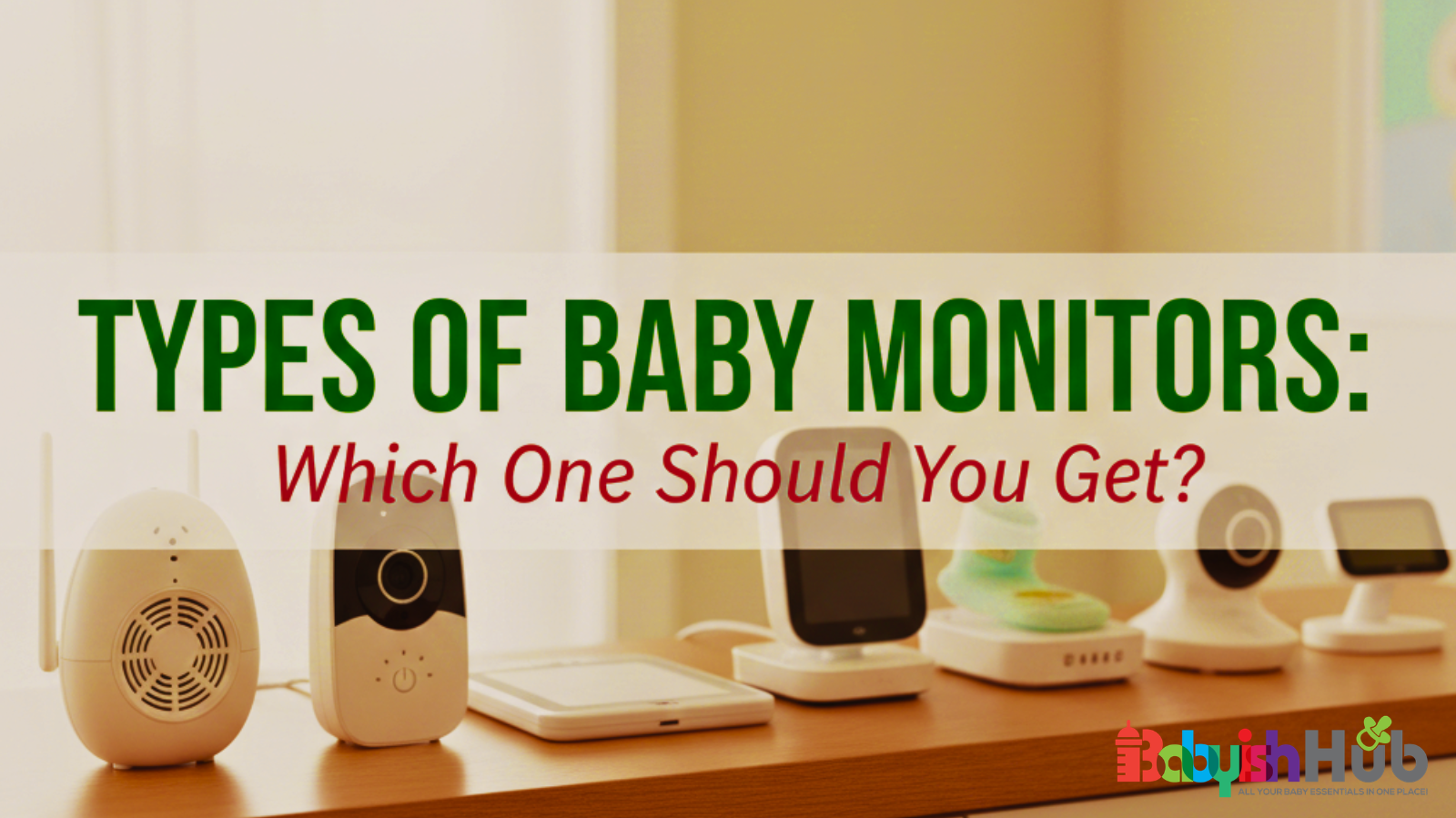
Walk into any baby store or search online, and it’s overwhelming: audio monitors, video monitors, WiFi monitors, even smart devices that track breathing or room temperature. All these types of baby monitors are enough to make you second-guess what you really need.
From my experience setting up monitors in tiny apartments and two-story homes alike, I’ve seen most parents overbuy—or pick the wrong type—the first time.
The truth is, there’s no single “best” monitor for everyone. The right choice depends on your home, budget, comfort with technology, and how much peace of mind you yearn for at night. In this guide, I’ll walk you through each type, its pros and cons, and help you figure out which one fits your situation.
Types of Baby Monitors Compared: Audio, Video, Smart & Wearable
If you just want a quick breakdown of the different baby camera types, here’s a table showing how the 4 main types compare side by side:
| Monitor Type | Best For | Pros | Price Range | Internet Required? |
| Audio Only | Tight budgets, small apartments | Simple, reliable, amazing battery | $20 – $60 | No |
| Video (non-WiFi) | First-time parents, privacy-focused | Secure local signal, see & hear | $60 – $200 | No |
| WiFi/Smart | Working parents, tech-lovers | Phone access anywhere, smart alerts | $80 – $300+ | Yes |
| Movement/Breath | High-anxiety, extra reassurance | Tracks vitals, alerts if no motion | $100 – $350 | Sometimes |
Now that you have a good picture of how different types of baby monitors compare, let’s get into more details about what each type feels like to use in real life.
1. Audio Baby Monitors
These are the classic, “no-frills” monitors that many of us grew up with. They work like a one-way walkie-talkie: a microphone sits in the nursery and beams every wiggle, coo, and cry straight to a small speaker you carry with you.
Why Parents Love Them:
They are the ultimate “keep it simple” tool. Because there’s no video to stream, the batteries usually last a very long time—often all day and night—without needing a charge. They are also the most affordable option and are incredibly sturdy. If you live in a smaller home or apartment where you can easily peek in to see the baby, sometimes just hearing them is all the help you really need.
The Downside:
The obvious catch here is that you’re “flying blind.” You can hear your baby making noise, but you won’t know if they’ve just lost their pacifier or if they’re standing up in the crib waiting for a hug. This often leads to more “check-in” trips to the nursery just to be sure everything is okay.
I Usually Recommend This Monitor For: This is the perfect, budget-friendly choice for parents who want a reliable, easy-to-use backup or who live in smaller spaces where a full camera setup feels like overkill.
2. Video Baby Monitors (Non-WiFi)
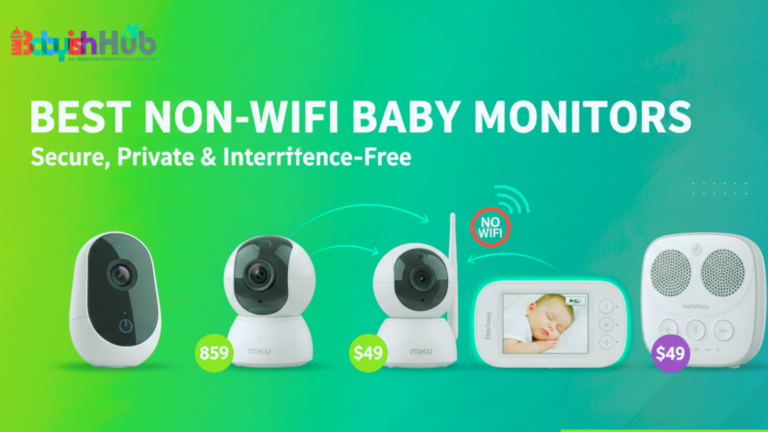
This is the “go-to” choice for most parents, and for a good reason. It’s a simple, two-part system: a camera for the nursery and a handheld screen (the “parent unit”) that stays with you. Think of it like a private TV channel just for your baby.
Why Many Parents Love Them:
You get that instant “eyes-on” peace of mind without needing to be a tech expert. These monitors use a secure, private signal to send video directly to your screen. Because they don’t connect to the internet, they are virtually unhackable and won’t stop working if your WiFi goes down. You just plug them in, and they work right out of the box. No apps. No passwords. And no fuss.
The Downside:
Since the signal travels through the air from the camera to your handheld screen, it can be blocked by thick walls or heavy furniture. If you have a very large home or a big backyard, the picture might flicker if you get too far away. Lack of internet connection means you can’t remotely view your baby.
I Usually Recommend This For: This is the “Goldilocks” choice. It’s secure, easy to use, and provides a clear view of your little one without any complicated setup.
3. WiFi Baby Monitors (Smart Monitors)
If you’re the type of parent who wants to check in while at work or from the grocery store, a WiFi monitor is your best friend. Instead of a separate screen, these cameras beam the video directly to an app on your smartphone or tablet.
Why Parents Love Them:
The biggest win here is freedom. You aren’t limited by how many walls are between you and the nursery; as long as you have a phone signal, you can see your baby from anywhere in the world. Many of these “smart” models also come with cool extras, like alerts that tell you when the baby is crying, sleep tracking that shows how long they napped, and even the ability to save cute video clips to your phone.
The Downside:
They are totally dependent on your home internet. If your WiFi is patchy or the power goes out, you lose your “eyes” in the nursery. They also take a bit more effort to set up (think passwords and app updates), and you’ll want to make sure your home network is secure to keep out hackers.
I Usually Recommend This Monitor: Perfect for tech-loving parents and working moms or dads who want to stay connected to the nursery, no matter where they are.
4. Movement and Breathing Monitors
For many parents, the biggest worry is the “silent” stuff…Is the baby breathing okay? These monitors go beyond sound and video by using a wearable sensor (like a special sock or a clip on the diaper) or a sensitive pad under the mattress to track your baby’s tiny movements.
Why Parents Consider Them:
They offer an extra layer of reassurance that a camera alone can’t provide. If the monitor doesn’t detect movement or a heartbeat for a few seconds, an alarm goes off immediately to wake you up. For many first-time parents or those with newborns, this “breath-by-breath” monitoring is the only thing that actually helps them stop hovering over the crib and finally get some sleep.
What’s Important To Remember:
Sometimes these units can be a little “sensitive.” If the sensor slips off a wiggly foot or the baby rolls to the very edge of the bed, you might get a false alarm. These middle-of-the-night scares can be pretty stressful! They also tend to be the most expensive option on the market.
I Usually Recommend This For: Parents who know they’ll worry constantly without that extra assurance, particularly in the early months.
Key Features To Consider Before Buying
Before you hit “buy,” look for these essential features:
Range
Think about the size of your home. If you have multiple floors, a backyard, or thick walls, range really matters. You do not want the signal cut out the moment you step outside to grab a package or fold laundry downstairs.
Battery Life
This is one feature many parents often overlook. A monitor that dies halfway through nap time can be frustrating. If you plan to carry the parent unit around a lot, prioritize strong battery life.
Screen Size
Bigger is not always better, but tiny screens can make it hard for you to see clearly at night. You want something large enough to quickly check on your baby without squinting.
Two-Way Audio
This feature lets you talk to your baby through the monitor. It can be surprisingly helpful. Sometimes your voice alone is enough to soothe them back to sleep without going into the room. (Studies have confirmed the powerful impact a mother’s voice can have on the baby’s sleep).
Temperature Sensor
Nursery temperature can shift more than you realize. A built-in sensor gives you peace of mind that the room is not too warm or too cold.
Night Vision Quality
All video monitors advertise night vision, but the clarity varies when it comes to using the device at night. You want a crisp, clear image so you can tell whether your baby is just rolling over or actually awake.
Multiple Camera Support
If you plan to have more than one child in separate rooms, or want different angles in the nursery, this feature is worth considering now rather than upgrading later.
Pro Tip: Having to decide on the best features can be draining for parents. So, the best advice I have for you is to focus on the features you will actually use. The best monitor is the one that makes your life easier, not more complicated.
Which Baby Monitor Is Right for You?
If you’re still wondering… “what type of baby monitor should I get?”, here’s how I think about it as a parent who’s tried different setups in different homes:
Match your situation with the recommendation that makes life easier for you:
Do you Stay In A Small Apartment?
If yes, go for a simple audio or non-WiFi video monitor. With close rooms and fewer walls to block signals, you won’t need long-range or fancy internet features. Solid sound or basic video is enough.
You Live In A Two Story House?
In this case, you’ll want a monitor with a decent range and a reliable signal. Video helps a lot when rooms are far apart. If you like checking in without going upstairs, prioritize stability over bells and whistles.
Best choice: Non-WiFi video or WiFi monitor with strong signal output
Are You A Working Parent?
If you’re always away from home, WiFi monitors with app alerts will let you check in from anywhere. Make sure your network is secure, and notifications are set up so you aren’t scrambling.
Best choice: WiFi smart monitor
On A Budget Under $100?
You can still get great performance without breaking the bank. Audio monitors or basic video options give you reliable checking without expensive features you might never use.
Best choice: Audio or basic non-WiFi video
A High Anxiety First Time Parent?
Here, you want reassurance more than anything. Seeing your baby clearly and hearing every sound makes a big psychological difference. The video is worth the extra cost here.
Best choice: Video monitor (non-WiFi or WiFi, depending on your preferences)
Best Monitor for Traveling Parent:
You don’t want to haul a big screen around. Lightweight, easy setup monitors or WiFi options that connect to your phone are ideal. Battery life and portability matter most.
Best choice: Compact WiFi monitor or portable non-WiFi video monitor with long battery life
Pro Tip: Pick the option that fits how you live, not just what sounds cool. The right monitor should give you peace of mind without adding stress to your life.
Safety and Privacy Considerations For Your Baby Camera:
Here are some essential safety and privacy checks I always recommend to every new parent when using their baby monitors:
Cord Safety
Cords should always be completely out of your baby’s reach. Mount the camera high and route cords along the wall, secured tightly. Never place cords near the crib or within arm’s reach. If you can grab it from the crib, so can your little one.
Secure Passwords for WiFi Monitors
If you choose a WiFi monitor, treat it like any other smart device in your home. Use a strong, unique password. Avoid default logins. Turn on two-factor authentication if available. Check this post on how to hack-proof your WiFi baby monitor.
Firmware Updates
It’s tempting to ignore update notifications, but they often include security improvements. Keeping firmware updated protects your connection and ensures smoother performance.
Proper Placement
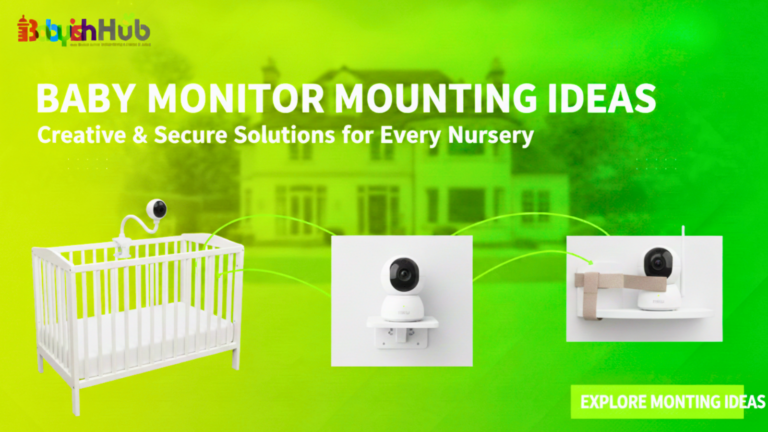
Knowing where to place your baby monitor is crucial. I advise you to mount the camera at least three feet from the crib and angle it downward for a full view. Avoid placing it inside the crib or directly above it. Stability and safety always come before the perfect camera angle.
Frequently Asked Questions About Different Types Of Baby Monitors
Let’s quickly walk through some common questions parents ask about the different types of baby monitors:
What type of baby monitor should I get?
The best type of baby monitor for you depends on your home size, comfort with technology, and anxiety level. Small spaces often only need audio or basic video. Larger homes benefit from long-range video monitors. If you want remote access, WiFi works well. The best choice is the one you will actually use consistently.
What are the different types of baby monitors?
There are FOUR main types of baby monitors: audio monitors, WiFi (smart) monitors that stream to your phone, non-WiFi baby monitors, and movement or breathing monitors that track motion. Each serves different needs depending on your setup and comfort level.
Why don’t pediatricians recommend Owlet?
Devices like the Owlet have raised concerns in the past because of inconsistent accuracy and false alarms. Pediatricians worry that parents may rely too heavily on wearable tracking instead of following established safe sleep guidelines. Monitors can give you peace of mind, but they are not medical devices or substitutes for supervision.
What is the most recommended baby monitor?
Non-WiFi video monitors are often the most widely recommended. They provide visual reassurance, reliable connection, and fewer privacy concerns than internet-based models. They strike a practical balance between safety, ease of use, and peace of mind for most families.
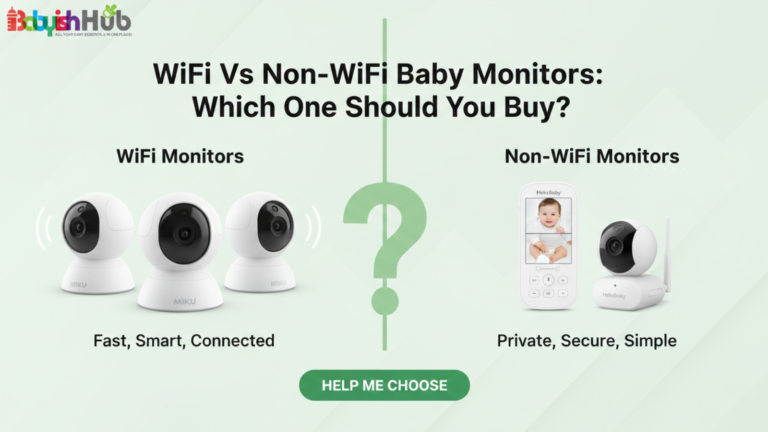
Is it better to have a WiFi or a non-WiFi baby monitor?
It depends on your priorities. WiFi monitors allow remote viewing and app alerts but rely on internet stability and security. Non-WiFi monitors use a direct local signal, offering stronger privacy and fewer connection issues. Many parents prefer non-WiFi monitors for reliability and simplicity.
What baby monitors do pediatricians recommend?
Pediatricians generally recommend basic audio or video monitors that support supervision without adding unnecessary stress. Their focus remains on safe sleep practices, firm mattresses, and clear cribs. A dependable monitor is helpful, but it should complement, not replace, safe sleep habits and regular parental checks.
Closing Thoughts
After testing everything from basic audio units to high-tech baby monitoring systems, I’ve learned that the “best” monitor isn’t the most expensive, but the one that lets you sleep. Don’t feel pressured by flashy features if a simple video unit is what truly brings you peace.
This is my honest advice to every parent who asks me, “What type of baby monitor should I get?”: Ignore the hype surrounding different types of baby monitors and get one that fits your home’s layout, your daily routine, and, most importantly, quietens your specific “parent brain.” Trust your gut over marketing.