WiFi Vs Non-WiFi Baby Monitors: Which One Should You Buy?
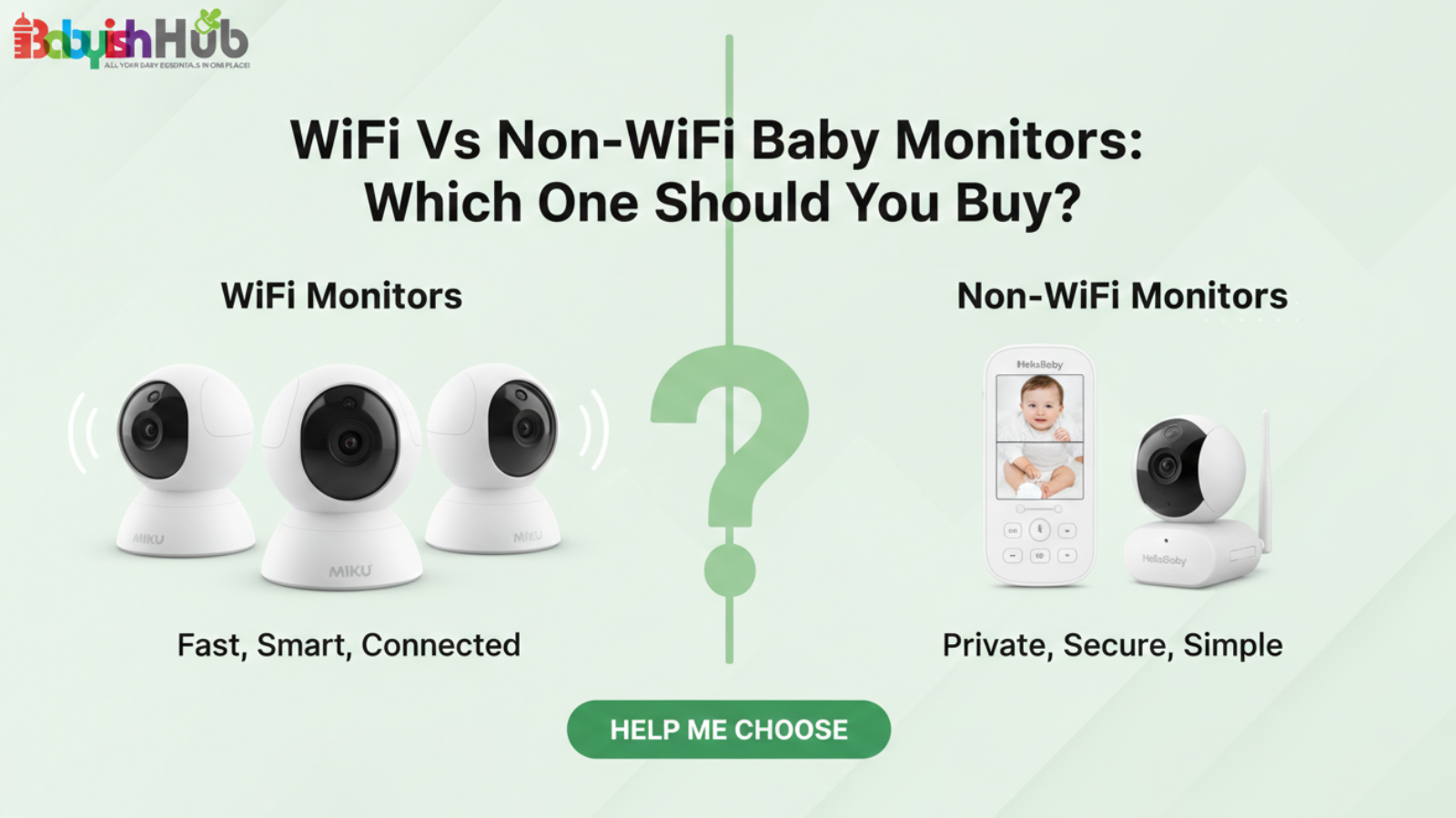
If you’re trying to decide between a WiFi and a non-WiFi baby monitor, you’re probably not just comparing features. You’re thinking about safety, reliability, privacy, and peace of mind.
And let me tell you something as a mom who has used both: this decision feels way bigger than it sounds.
BECAUSE when it’s the middle of the night, and your baby makes a noise, you don’t care about tech specs. You care about one thing: Can I see my baby right now, without stress?
In this guide, I’m going to walk you through a detailed WiFi vs non-WiFi baby monitors comparison. You’ll know which type fits your family, your lifestyle, and your comfort level.
Quick Comparison Table: WiFi vs Non-WiFi Baby Monitors
Before we dive any deeper, let’s first have a clear picture of how the two baby monitors in the following key aspects:
| Feature | WiFi Baby Monitor | Non WiFi Baby Monitor |
| Connection | Home WiFi network | Direct signal to parent unit |
| Internet Needed? | Yes | No |
| How You View Baby | Phone/tablet via app | Dedicated parent screen |
| Remote Access | Anywhere with internet | Only within the range of the parent unit |
| Setup | App setup, network connection | Plug in, power on, ready to go |
| Alerts | Motion & sound notifications | Usually sound only, limited alerts |
| Smart Features | Sleep tracking, cloud storage, remote viewing | Minimal / none |
| Security & Privacy | Dependent on passwords and encryption | Very private, no internet exposure |
| Ease for Caregivers | Requires app familiarity | Simple for grandparents/babysitters |
| Reliability | Internet-dependent | Highly reliable, instant connection |
| Best For | Tech-savvy, on-the-go parents | Parents valuing simplicity and privacy |
If you already feel yourself leaning one way after going through this table, trust that instinct.
But let’s break down what these differences mean in everyday life…
What Is A WiFi Baby Monitor?
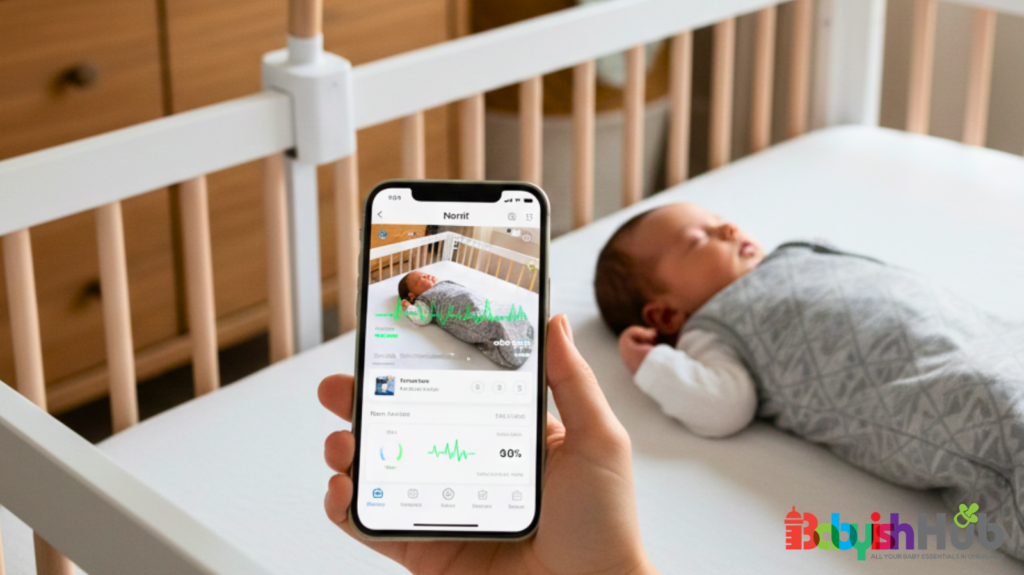
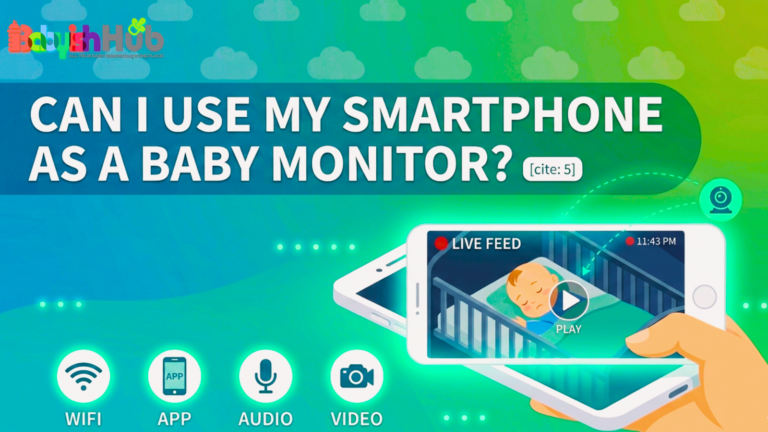
A WiFi baby monitor is basically a camera in your baby’s room that connects to your home internet. Instead of carrying around a separate parent unit, you just open an app on your phone, and there’s your baby!
That’s really it.
You set the camera up, connect it to your WiFi, download the app, and now your baby’s room is accessible from your smartphone or tablet.
The beauty of a WiFi baby monitor is its remote access feature that lets you check in on your baby from anywhere. If you run to the store. If you’re at work. If you’re on a much-needed date night. You can still peek in.
Besides remote accessibility, most WiFi/smart baby monitors feature a bunch of extra features that go beyond just watching your baby sleep. These include:
- Motion alerts sent to your phone
- Sound alerts if baby cries
- Sleep tracking with a few reports
- Cloud recording so you can replay moments
Some parents love this because it feels high-tech and more convenient. Others may feel like it’s more than they really need.
Pros of WiFi Baby Monitors:
Here are the main reasons why so many parents swear on WiFi monitors:
- You can check in from work or while you’re out
- Grandparents or caregivers can log in too
- Video quality is often very clear
- You get notifications instead of staring at a screen nonstop
If you’re someone who likes staying connected and informed, this setup can feel amazing.
I remember being out to dinner for the first time after having my baby. I opened the app, saw my little one sleeping peacefully, and instantly relaxed. That quick check made me feel like I was still close, even when I wasn’t physically there.
Cons of WiFi Monitors:
Now here’s the part no one talks about enough:
- The monitor depends completely on your internet
- Apps can freeze or lag
- There are security/hacking concerns if you don’t set things up properly
- The app drains your phone battery
One night during a storm, our WiFi went out. I opened the app and just stared at a loading screen. That’s when I realized how much I was relying on that connection.
So that’s the honest truth.
WiFi baby monitors are convenient. They’re smart. And they can feel incredible. But they’re tied to your internet and your phone.
And depending on your personality and your home setup, that can either feel freeing or stressful.
PRO TIP: Look for monitors with H.264 compression. This ensures the video stays crisp even if your internet speed dips.
WARNING: Using your phone as a monitor is great for “peeking,” but as a primary overnight tool, it turns into a “battery vampire.” Keeping your screen active and the app running 24/7 can significantly degrade your smartphone’s battery health over 12 months.
What Is a Non-WiFi Baby Monitor?
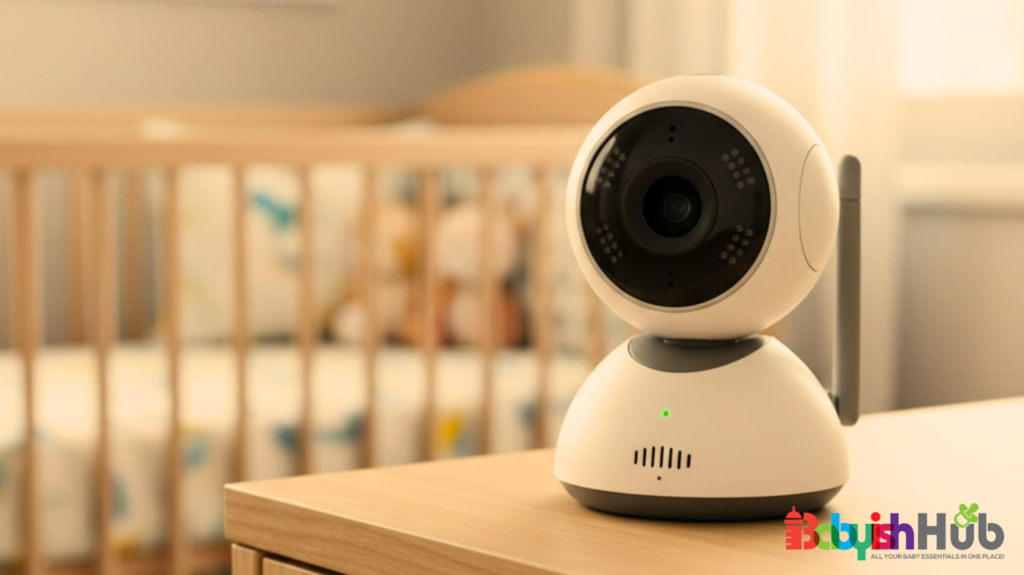
A non-WiFi baby monitor does not use your internet at all. It creates a direct, private signal between the camera in your baby’s room and a parent unit that you keep with you.
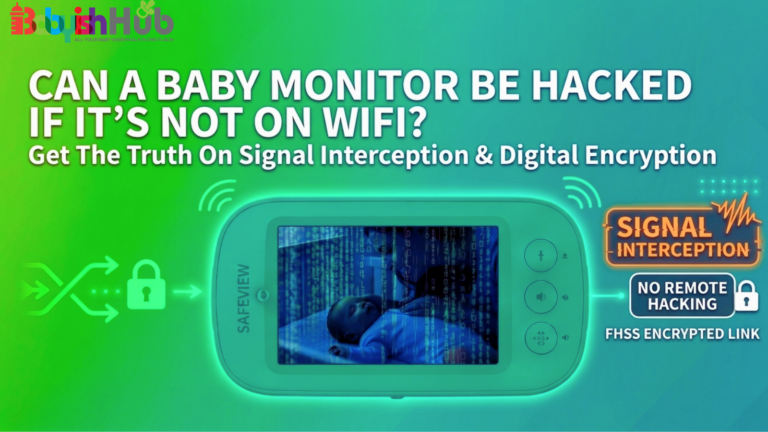
This unit uses FHSS (Frequency Hopping Spread Spectrum). Think of it like the camera and the parent unit “hopping” between different radio channels hundreds of times per second in a secret pattern only they know.
You just need to set the camera up in the nursery and turn on the parent unit. And within seconds, you’ll see your baby on that little screen.
It works kind of like a walkie-talkie system, but for video and sound. The camera and screen are paired with each other and communicate directly.
For this monitor, you don’t need your phone or WiFi connection to keep tabs on your little one. For many parents, this simplicity feels like a breath of fresh air.
Pros of Non-WiFi Monitors:
Here are some top reasons why non-WiFi monitors have become so popular today:
- Extremely reliable connection
- No hacking worries tied to internet access
- Instant startup with no loading screens
- Simple enough for grandparents or babysitters to use without explaining the app
If you are not super techy, using this device feels easy; it’s almost old school in the best way.
The Downsides of Non-WiFi Monitors:
To be honest with you, Non-WiFi monitors are not 100% perfect. They have their downsides, such as:
- Limited range, so you have to stay within a certain distance
- No checking in when you’re out of the house
- Fewer smart features like sleep tracking or cloud storage
Some days we’d go for long hours without internet. And in those moments, everything in the house that depended on WiFi just stopped. Phones would become useless. Streaming stopped. Smart devices froze.
But our non-WiFi baby monitor?
It will stay on. The screen will be on and I could see my baby without any delay.
In those moments, I realized how beneficial it is to have something in your home that doesn’t rely on the outside world.
Now, to be fair, if you lose power entirely and your monitor is not on battery backup, that’s a different story. But as long as the unit has power, it does not care whether your internet is down.
For parents who value reliability and privacy above smart features, non-WiFi monitors often feel like the better choice.
WiFi Vs Non-WiFi Monitors: Safety and Security

Let’s talk about the thing most parents are quietly worried about: SAFETY.
This is usually the moment where you lean in and say, “Okay, but can someone hack this thing?”
Are WiFi Baby Monitors Really Hackable?
Here’s the honest answer;
YES! Anything connected to the internet has some level of risk. That includes baby monitors, your email, your smart TV, and even your phone.
But that does not mean someone is sitting outside your house trying to spy on your nursery.
Most security issues happen when:
- Passwords are weak or reused
- Software is outdated
- Two-factor authentication is not enabled
- The home WiFi network itself is not properly secured
Reputable monitor brands use encryption, secure servers, and regular firmware updates. This matters a lot when it comes to minimizing the risk of hacking.
So yes, WiFi monitors can technically be hacked. But with proper setup and basic digital hygiene, you can significantly reduce this risk.
What Makes A WiFi Monitor Secure?
If you decide to go the WiFi route, then I would strongly advise you to ensure the model you choose comes with the following:
- End-to-end encryption
- Two-factor authentication (2FA)
- Regular security updates
- The ability to create strong, unique passwords
In addition to that, you also want to make sure your home WiFi network is protected (choose a unique password that hackers can’t easily guess) and up to date.
You can check this post I did earlier on how to tell if your baby monitor has been hacked and what to do if your monitor gets hacked.
Why Non-WiFi Monitors Are More Secure
The No.1 reason why many parents love non-WiFi monitors is due to their highly secure nature. These devices are not connected to the internet at all. That means no online accounts, cloud storage, or outside access.
As I mentioned earlier, the camera and parent unit of a non-WiFi monitor talk directly to each other. For someone to intercept that signal, they would need specialized equipment and to be close to your monitor.
So, Which Monitor Is Better For You?
NOW this is where things can get a little personal…
Because the ultimate decision is not really about technology but what your life and routine look like.
To help you understand what I mean, let me paint a few pictures for you…
You should choose a WiFi monitor if:
- You travel frequently and want to check in from a hotel room
- You work outside the home and like being able to peek in during lunch
- You love smart notifications instead of constantly watching a screen
- You have reliable, high-speed internet that rarely goes down
If you are already managing your calendar, grocery list, and baby photos from your phone, adding a monitor app will probably feel seamless for you.
You will likely appreciate:
- Opening your phone and seeing your baby instantly
- Getting motion or sound alerts while you are folding laundry
- Sharing access with your partner or a caregiver
If that sounds like you, the WiFi monitor might fit naturally into your life.
You should choose a non-WiFi monitor if…
Now picture this version of you:
- You want something simple and dependable
- Your internet goes down more often than you would like
- You are very privacy-conscious and prefer fewer connected devices
- Grandparents babysit often, and you do not want to explain apps and passwords to them.
If you love the idea of pressing one button and seeing your baby without logging into anything, a non-WiFi device will probably feel more convenient for you.
You will likely appreciate:
- A dedicated screen that is always ready
- No dependency on your router
- No accounts to manage
- A system that feels straightforward and steady
Cost Breakdown: What Are You Actually Paying For?
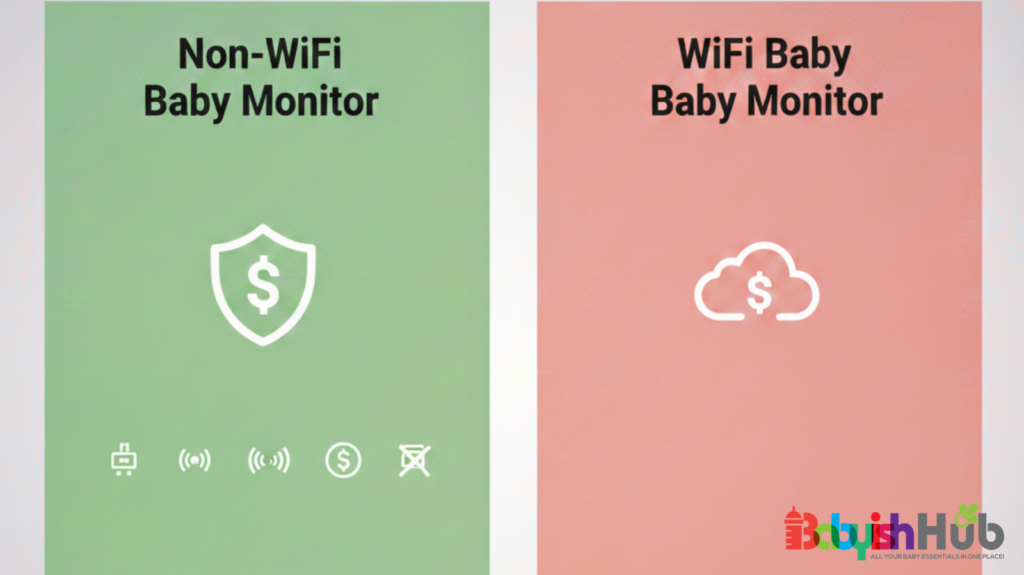
Let’s talk money…because, yeah, baby gear adds up fast!
For that reason, it’s only important that you see the full picture here before you click buy:
In general, non-WiFi monitors often have a clear one-time cost, while WiFi monitors can range from affordable to premium depending on the features they come with.
Some WiFi models look cheaper at first glance. But that is not always the whole story because you may find yourself paying for monthly subscriptions.
Yes, this is where many parents are surprised. Some WiFi monitors charge monthly fees for cloud video storage, advanced sleep tracking, extra recording history, and other advanced features.
The monthly fee for most units is approx. $0.99 to $9.99 (translates to $40–$70 annually).
GOOD NEWS: Non-WiFi monitors typically do not have any subscription fees because nothing is stored online.
As a mom of 3, I can tell you for sure that this can make a big difference over a year or two!
Longevity and Durability
Still on cost breakdown, let’s discuss the longevity and durability aspects of the two types of baby monitors. For this part, you should ask yourself this:
- Will I use this monitor for one child or multiple?
- Do I want something basic that lasts, or something feature-rich that may feel outdated in a few years?
Simple monitors often age well because they do one job and do it consistently. High-tech monitors can feel amazing now, but may rely on app support and software updates long term.
Hidden Costs To Keep In Mind:
If you go with a WiFi monitor, you consider hidden costs such as cloud storage upgrades and replacing your phone battery faster due to heavy app use. And yes, sometimes you might need to upgrade your router if your signal is weak
For non-WiFi monitors, the hidden costs may arise in instances where you might want extra cameras later or when doing battery replacement for the parent unit over time.
My Honest Mom Opinion
I’ll be real with you…
For my first baby, I chose a WiFi monitor. I loved the idea of checking in from anywhere. I liked the smart alerts. It made me feel connected, especially when I went back to work.
For my second baby, I switched to a non-WiFi monitor.
Why?
Because by then, I realized what I valued most at those late nights was reliability. I did not care about sleep reports. I cared about turning on a screen and seeing my baby immediately.
If I had to choose only one today?
I would ask myself this question: which one will make me less anxious in the middle of the night?
For some moms, that is WiFi and constant connection. For others, it is simplicity and independence from the internet.
There is no perfect monitor. There is only the one that fits your personality and your home.
The Best of Both Worlds: Hybrid Baby Monitors
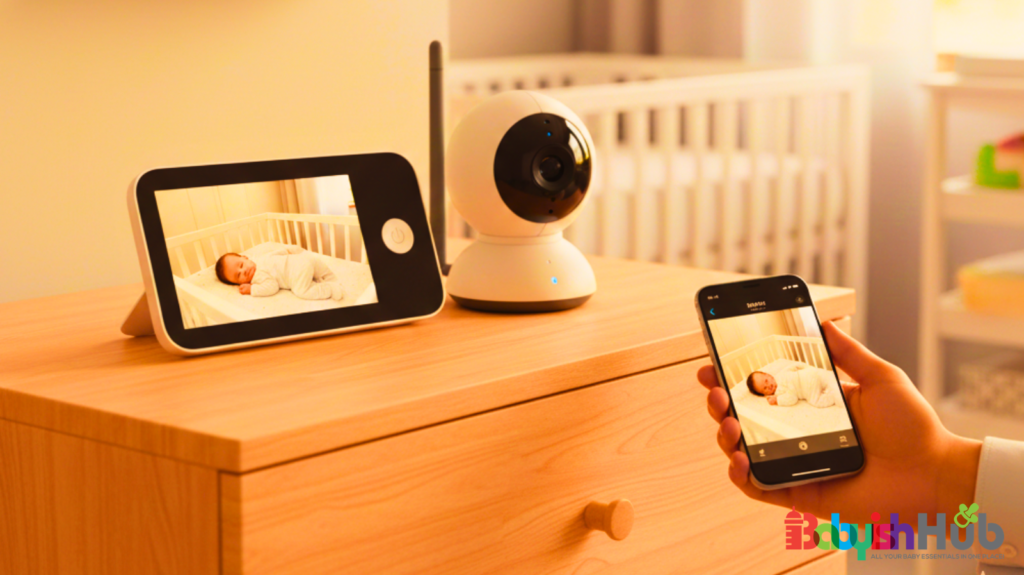
What if you could get a monitor that works as both a WiFi and Non WIFI baby monitor? Well, such a monitor exists!
If you are torn between the reliability of a non-WiFi unit and the convenience of a smart WiFi monitor, a hybrid monitor (like the Eufy Baby Monitor E20 or the LeapFrog LF4917HD) will make a great choice—no doubt!
So, how does the hybrid baby monitor work?
A hybrid monitor uses two simultaneous transmission paths:
- Direct-Connect (FHSS): This is the non-WiFi side of the device where the camera sends a lag-free, private radio signal directly to the included parent unit. This works without internet.
- WiFi Bridge: The Wi-Fi end of the hybrid involves the camera connecting to your home router, allowing it to stream encrypted video to your phone app via the cloud.
Parents are leaning more towards this unit, and it’s easy to see why…
First, it acts as your “Internet Fail-Safe”: If your ISP (Internet Service Provider) goes down at 3:00 AM, your smartphone app will stop working, but the dedicated parent unit will stay on. You won’t miss a single cry.
The second benefit is the reduced “App Fatigue”: You can leave the dedicated screen on your nightstand all night (saving your phone’s battery health) while using the app to check in during your lunch break at work.
WARNING: Because hybrid monitors have “two front doors,” you must secure both. And the best way to do so is to regularly update the firmware. Unlike a simple non-WiFi unit, the software on a hybrid camera needs to stay patched to help protect the WiFi side of the connection.
Pro Tip: Look for hybrids that allow you to disable WiFi entirely in the settings. This is a pro-parent move that lets you keep the WiFi off for daily use (maximum privacy) and only toggle it “On” when you’re heading out for date night and need the remote app access.
Frequently Asked Questions
Let’s clear up a few common concerns parents usually have on the topic of WiFi and non-WiFi baby monitors.
Can WiFi monitors work without internet?
No. If your internet goes down, remote viewing through the app will not work. Some models may still function locally, but you lose the main connected features.
Do non-WiFi monitors interfere with other devices?
Most modern non-WiFi monitors use secure digital signals designed to avoid interference. It is very rare for them to clash with your other home electronics.
Can someone hack a non-WiFi monitor?
Because they are not connected to the internet, they are far more challenging to hack. Intercepting the signal would require close physical proximity and specialized equipment, which, honestly, won’t be worth the effort for most hackers.
What is the best baby monitor with both WiFi and non-WiFi?
The Eufy Baby Monitor E20 and the LeapFrog LF4917HD are top contenders. These “hybrid” models allow you to use a dedicated 5-inch or 7-inch parent unit for lag-free monitoring at home, while still offering a secure WiFi connection for viewing on your smartphone when you’re away. They help bridge the gap between reliability and convenience.
What does “no WiFi” mean on a baby monitor?
“No WiFi” on a baby monitor means the device operates on a closed-loop system using FHSS (Frequency Hopping Spread Spectrum) or DECT technology. The camera and parent unit communicate directly with each other via radio frequencies rather than your home router. This makes them “plug-and-play,” as they don’t require internet, apps, or accounts to function right out of the box.
What is the range of a non-WiFi baby monitor?
Most standard non-WiFi monitors offer an indoor range of roughly 150 to 200 feet, which covers most standard homes. However, more specialized, long-range models can transmit at longer ranges of 1,500–3,600 feet. When working outdoors or in clear “line-of-sight” conditions, many models like the Infant Optics DXR-8 PRO can reach up to 1,000 feet. However, thick walls, floors, and large appliances will significantly reduce that signal strength inside.
Can you get a baby monitor that doesn’t need WiFi?
Absolutely. You can easily get a baby monitor that doesn’t need Wi-Fi. Many parents prefer them for the increased privacy. Top brands like Babysense, Infant Optics, and VTech specialize in these units. They are perfect for travel or areas with spotty internet because they rely entirely on their own dedicated signal. As long as both units have power, they will stay connected regardless of your router’s status.
Is it better to have a WiFi or a non-WiFi baby monitor?
Whether to have a WiFi vs non-WiFi baby monitor depends on your lifestyle. If you travel or work away and want to check in via smartphone, WiFi is an ideal choice. However, for 100% reliability, zero lag, and “hack-proof” privacy within your home, non-WiFi is the gold standard. Many parents now choose hybrid models to get the best of both worlds without compromise.
So Which One Should You Buy?
In conclusion, there’s no one “right” monitor for every family. If you love the idea of checking in from anywhere, getting motion alerts, and having smart features at your fingertips, get a WiFi monitor, especially if you travel or work outside the home.
But if you want reliability, simplicity, and peace of mind, a non-WiFi monitor might be exactly what you need.
The best choice between WiFi vs non-WiFi baby monitors is the one that helps you relax, sleep a little better, and trust that your little one is safe, no matter what’s going on with your internet or phone. That’s the monitor that’s right for you.